
To reset your Apexhost Client Area password:
VIA REQUEST A PASSWORD RESET
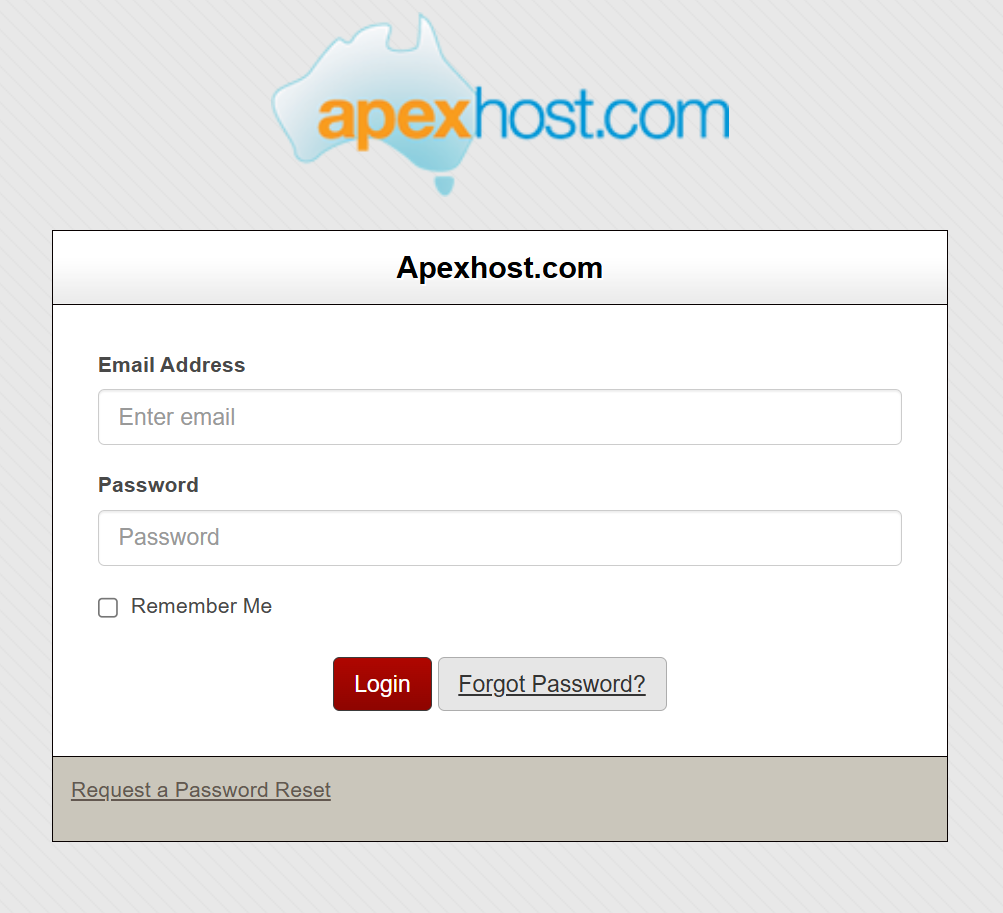
1. Go to the Apexhost Login Page
2. Select Request a Password Reset and input the email address you use to log into the Client Area with.
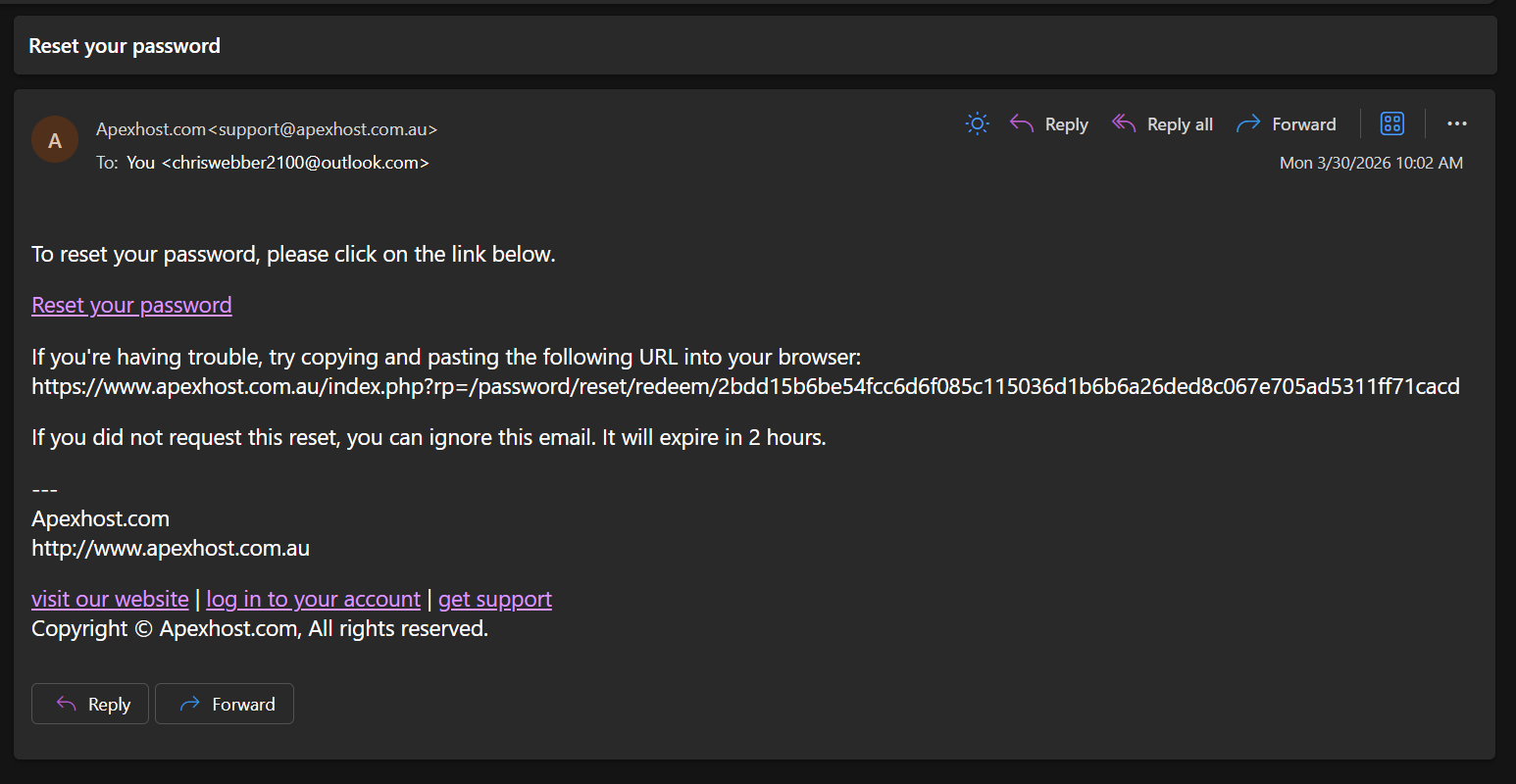
3. You will get an email with a password reset link in your inbox. Click the Reset your password link
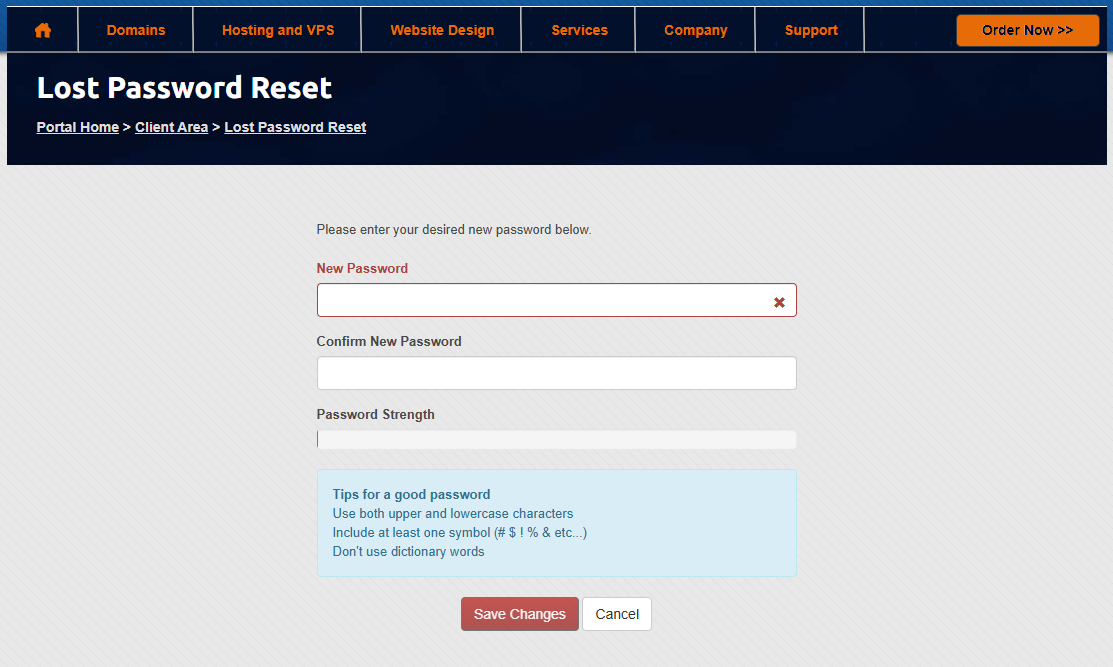
4. Enter your new desired password into both the boxes on the Lost Password Reset page.
All Done, you will be able to login to the Client Area with your new password!
VIA FORGOT PASSWORD?
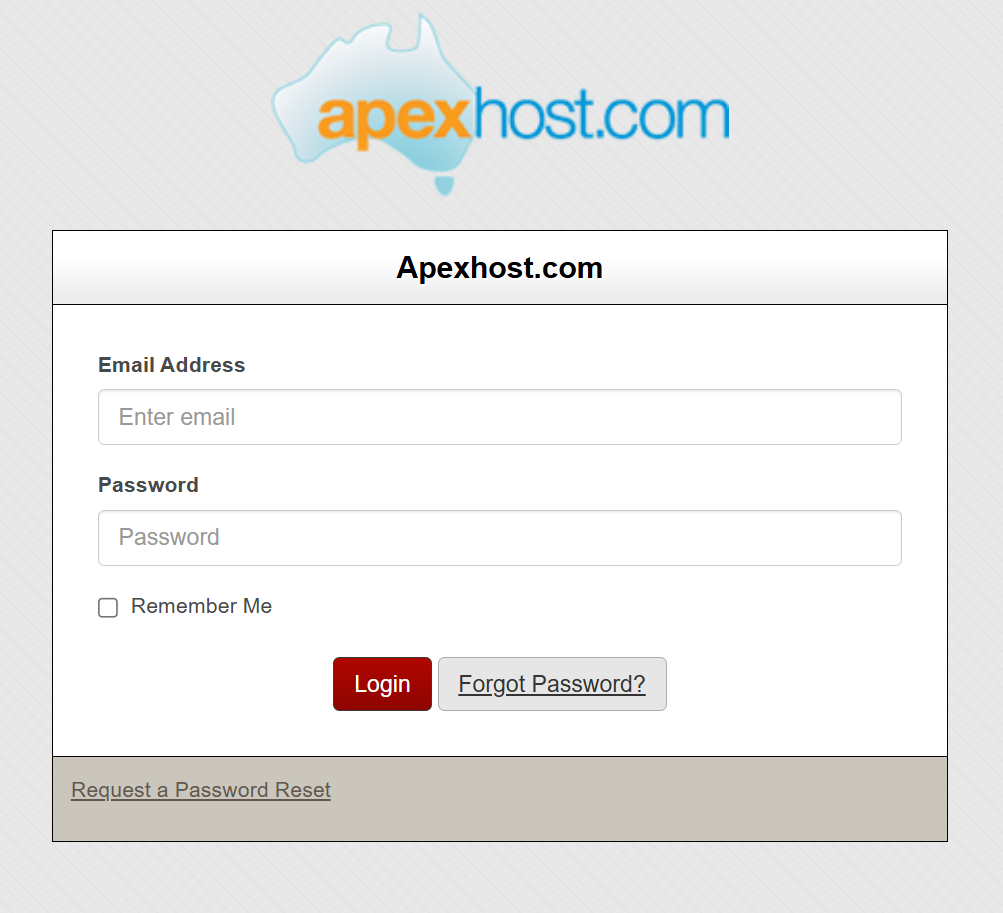
1. Go to the Apexhost Login Page
2. Select Forgot Password? and input the email address you use to log into the Client Area with.
3. You will get an email with a password reset link in your inbox. Click the Reset your password link
4. Enter your new desired password into both the boxes on the Lost Password Reset page.
All Done, you will be able to login to the Client Area with your new password!
If you cannot access the Apexhost login page, or the email address linked to your Client Area account isn’t receiving emails, let us know by emailing support@apexhost.com.au or creating a support ticket on the Apexhost website.